3D Compression & ConversionOptimizing Spatial Content for Real-Time Delivery
Share on


Last Updated: July 31, 2026
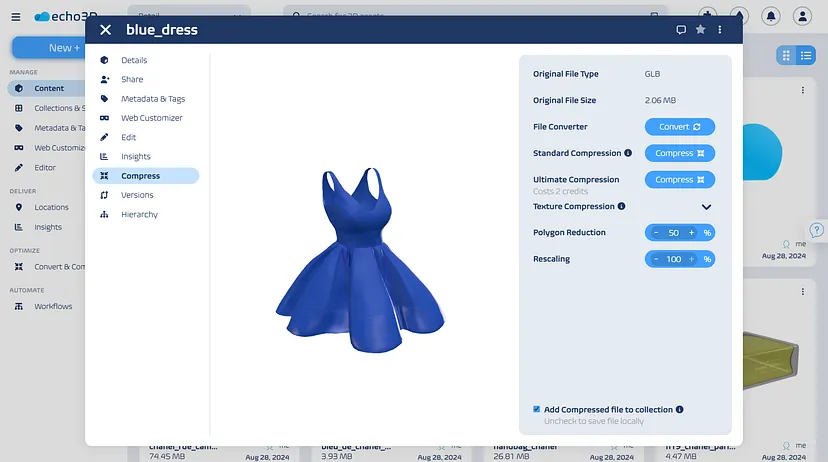
High-fidelity 3D assets, dense CAD meshes, and detailed 3D scans are notoriously large. When deployed directly to mobile AR, WebGL, or VR headsets, unoptimized 3D models cause long load times, frame rate drops, and app crashes. echo3D solves this challenge with an automated 3D model compression and conversion engine that optimizes complex 3D assets in seconds.
Unlike standard video or image formats, the 3D ecosystem lacks a single universal file format. iOS applications require USDZ files for native Quick Look AR, Android and WebGL rely on glTF/GLB, and CAD design teams work in native engineering formats like STEP, OBJ, or FBX. Manually converting and decimating polygons for each target platform requires hours of technical artist labor and expensive software pipelines.
echo3D automates this entire pipeline in the cloud. Simply upload your high-resolution 3D asset once, and our platform automatically converts, compresses, and generates lightweight outputs tailored to any viewing device.
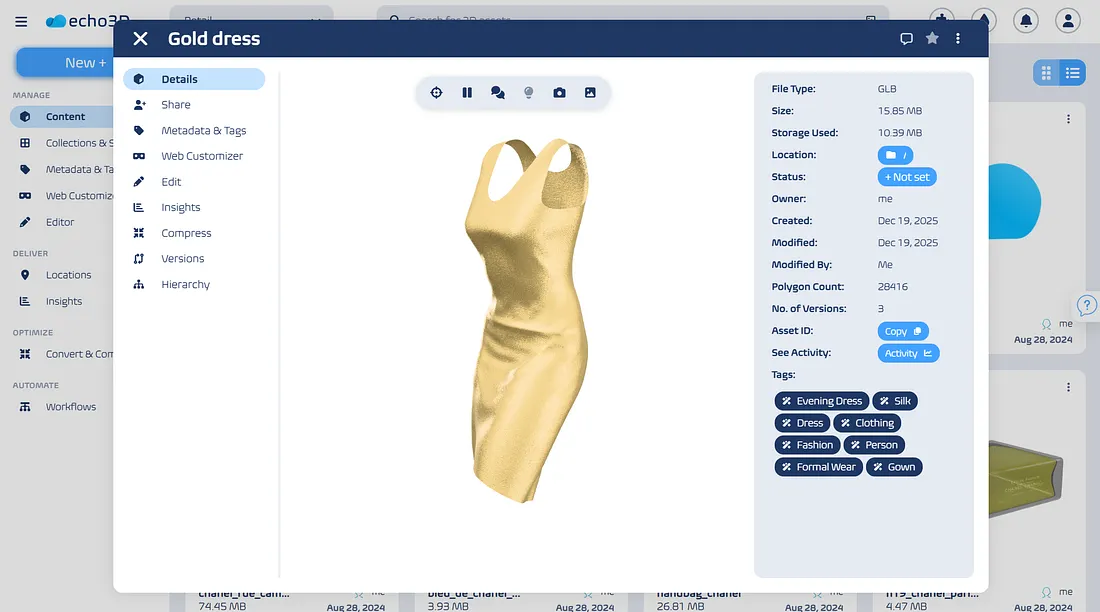
- Proprietary 3D Compression: Reduce massive 3D mesh file sizes by up to 10x while maintaining visual fidelity, texture maps, and spatial detail.
- Universal Any-to-Any Conversion: Convert seamlessly between OBJ, FBX, GLTF, GLB, USDZ, STL, PLY, and CAD formats without manual mesh rebuilding.
- Automated Level of Detail (LOD): Generate multiple LOD versions of complex 3D models automatically to ensure smooth frame rates on mobile and low-power devices.
- Texture Compression & Resolution Scaling: Automatically resize, reformat, and compress high-resolution 4K/8K texture maps for fast web loading.
- API-Driven Automation: Trigger file conversion and compression automatically via API queries directly inside your existing CMS, app build pipeline, or 3D toolset.
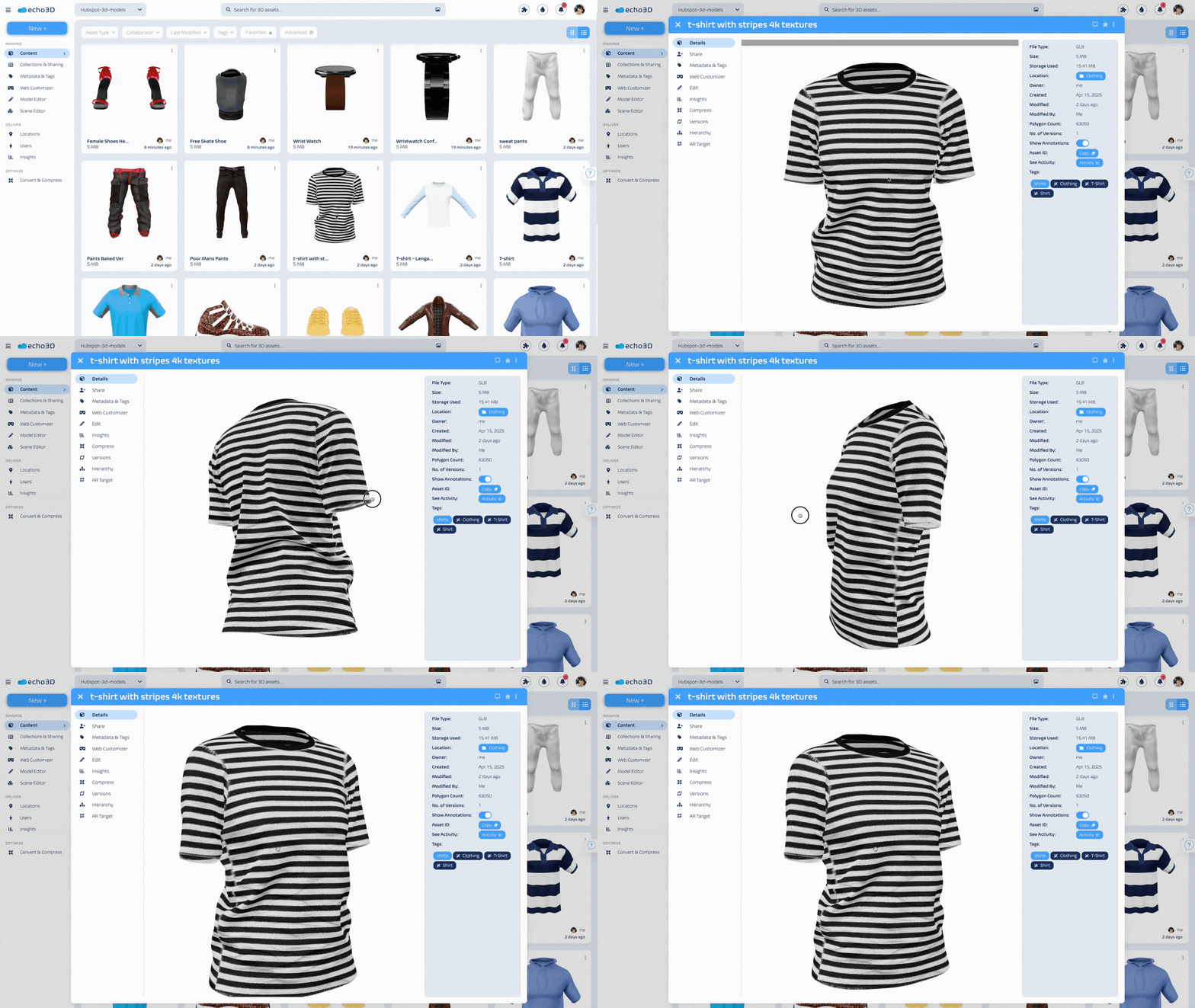
- Faster Page Load Times: Lightweight 3D assets load instantly on e-commerce sites and WebGL viewers, driving higher user engagement and conversion rates.
- Reduced App Footprints: Stream compressed assets dynamically from the cloud to keep application installation sizes minimal.
- Eliminate Manual Content Bottlenecks: Allow designers and developers to focus on building experiences rather than spending days re-exporting file variations.
- Seamless Cross-Platform Compatibility: Ensure your 3D models look crisp and render smoothly across Web, iOS, Android, Unity, Unreal Engine, and spatial headsets.
Don't let massive file sizes and fragmented file formats slow down your spatial experiences. Transform how you compress, convert, and deliver 3D content with echo3D.
Ready to test our proprietary 3D optimization engine on your models?
Book a call with a 3D specialist or test our compression tools with a 7-day free trial today!
Related Articles
- 3D Digital Asset Management. Understand the foundational 3D DAM concepts and how to get started.
- 3D Content Management System. Learn about 3D content management benefits, principles, and how to get started.
- 3D Model Conversion. Automate 3D format conversions and execute interoperable deployments.
- 3D File Compression. Learn the pillars of 3D file optimization and how to deliver higher quality aseets.
- 3D Model Editing. Update 3D mesh configurations and textures and create 3D model variants.
- 3D/AR/VR/XR/Spatial Computing. Understand immersive uses cases of 3D content and trends in application development.
- Metadata Taxonomy and Tagging. Learn how to add custom data and tags to 3D assets across different asset collections.
- Team Collaboration Tools. Best practices for sharing 3D assets, accessing 3D collections, and collaborating on projects.
- Version Control. An integral part of 3D digital asset management and content publishing.
- Asset Hierarchy. Understand how to organize content and set relative logical connections between assets.